drift
Fast notes, notebooks and Word-style docs, saved as plain files you own.
Download for Windows comes with the first public release.
what it is
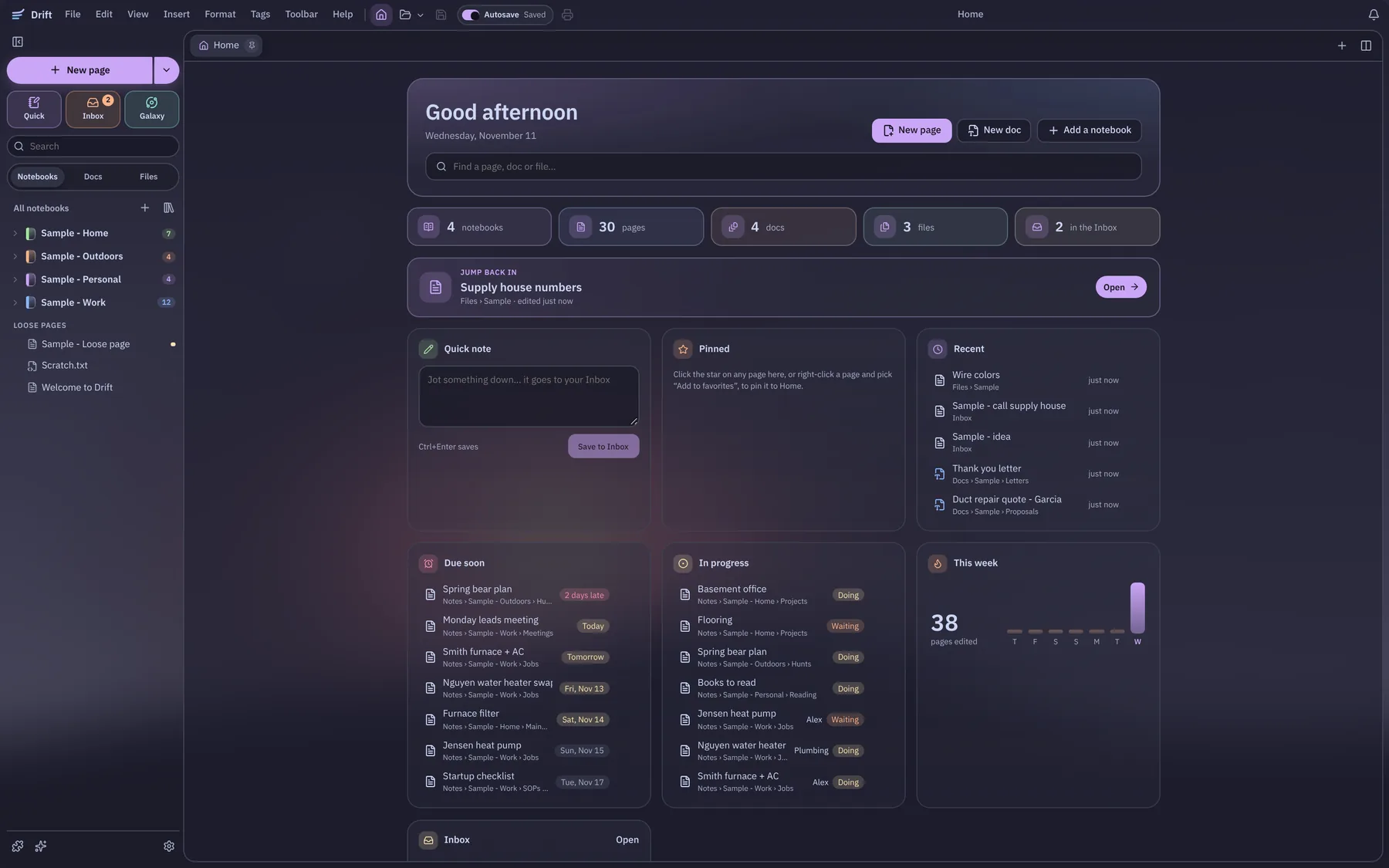
One app for quick notes, notebooks and real documents.
Jot a quick note from any app, keep pages in notebooks with numbered sections, and turn a note into a Word-style doc when it needs to look good. Every note is a plain file in a folder on your computer, so Obsidian, Notepad and Word can still open them.
why i’m building it
I wanted my notes and my docs in one fast place.
Notes in one app, docs in another, and quick thoughts lost in a third. Drift is built to open fast and stay fast, with the heavy parts loading only when you use them.
notes and notebooks
Markdown pages, plain text and notebooks, side by side in tabs.
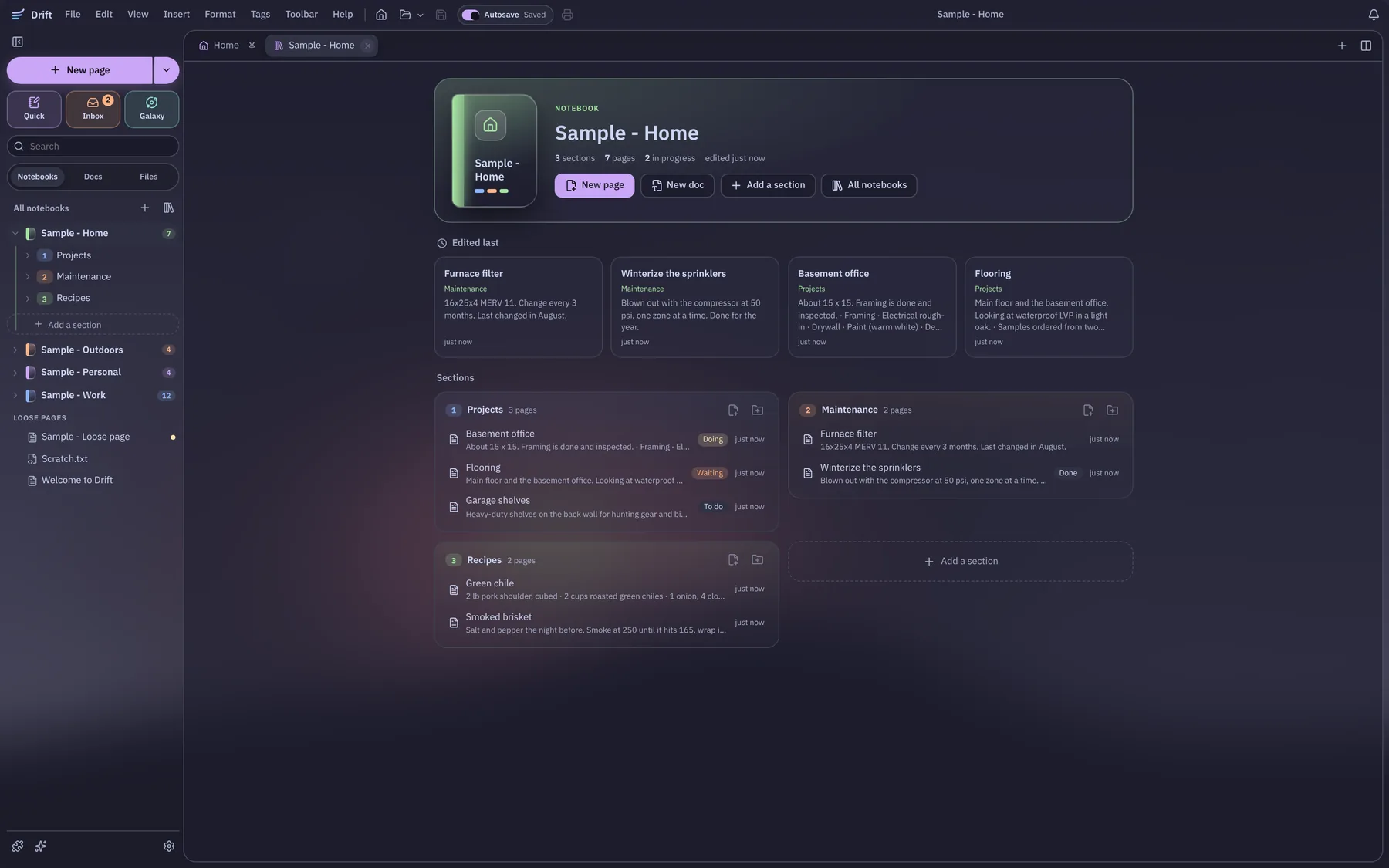
notebooks
Notebooks with numbered sections and subsections, and pages inside. Pick a color and an icon for each.
markdown and notepad
Markdown with a toolbar, / commands and a preview, and a Notepad mode for plain .txt files.
quick notes
Ctrl+Alt+N from any app drops a note in the Inbox. Pin one on top of everything as a see-through sticky.
tabs and split view
Open pages in tabs and put two side by side. The mouse back and forward buttons step through them.
links and the galaxy
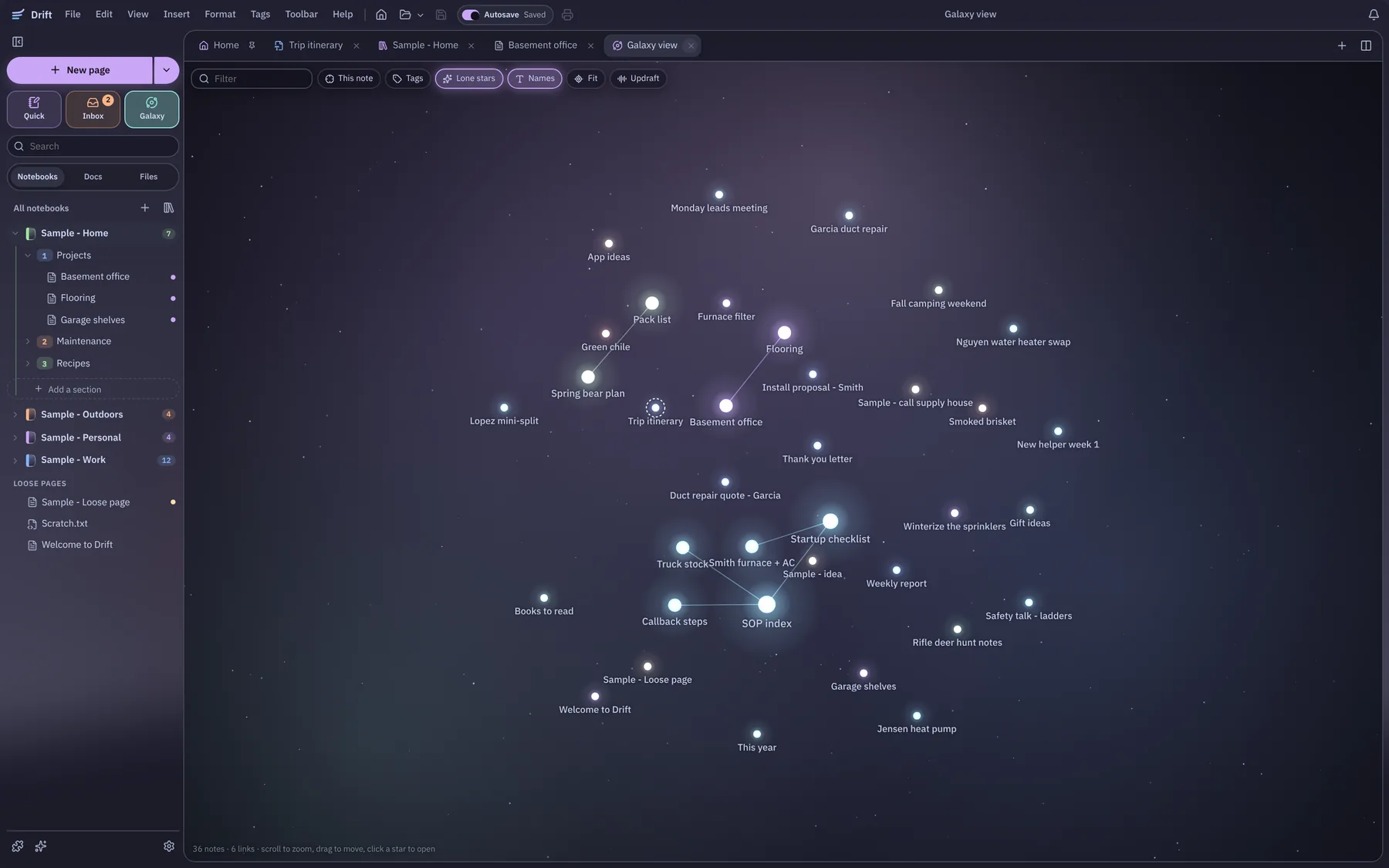
[[Link]] pages together, see what links back, and view every note as a map of stars.
tags and properties
Tags, status and due dates on any page, and simple tables and boards built from them.
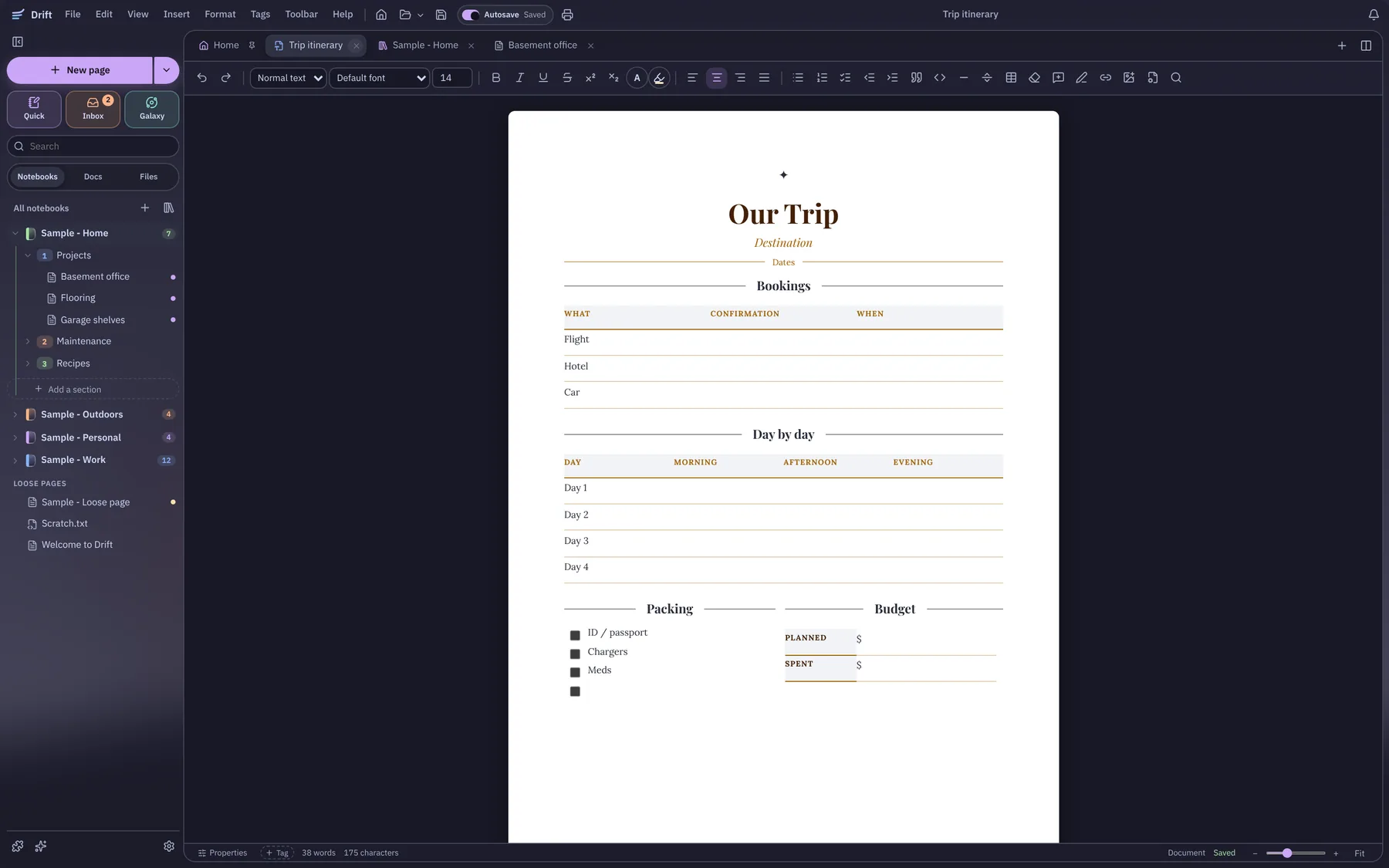
docs that look finished
Fonts, colors, tables and pictures, with Word files in and out.
make a doc
Turn any note into a doc with one button. The note stays where it was.
designed templates
Resumes, letters, memos, flyers and more in six looks, plus plain MLA, APA and Chicago.
word in and out
Open a .docx without touching the original, and save back to Word, PDF, HTML or plain text.
your notes stay yours
No account and no cloud needed.
plain files
Notes are .md, .txt and doc files in a folder you pick, so you can sync it, back it up or move it.
nothing deleted by surprise
Deleting asks first, then goes to the Recycle Bin. New files never take an existing name.
the mocha look
Catppuccin Mocha with see-through glass and round corners, the same look as Updraft. Light mode too.
more in the box
A few extras that are already in.
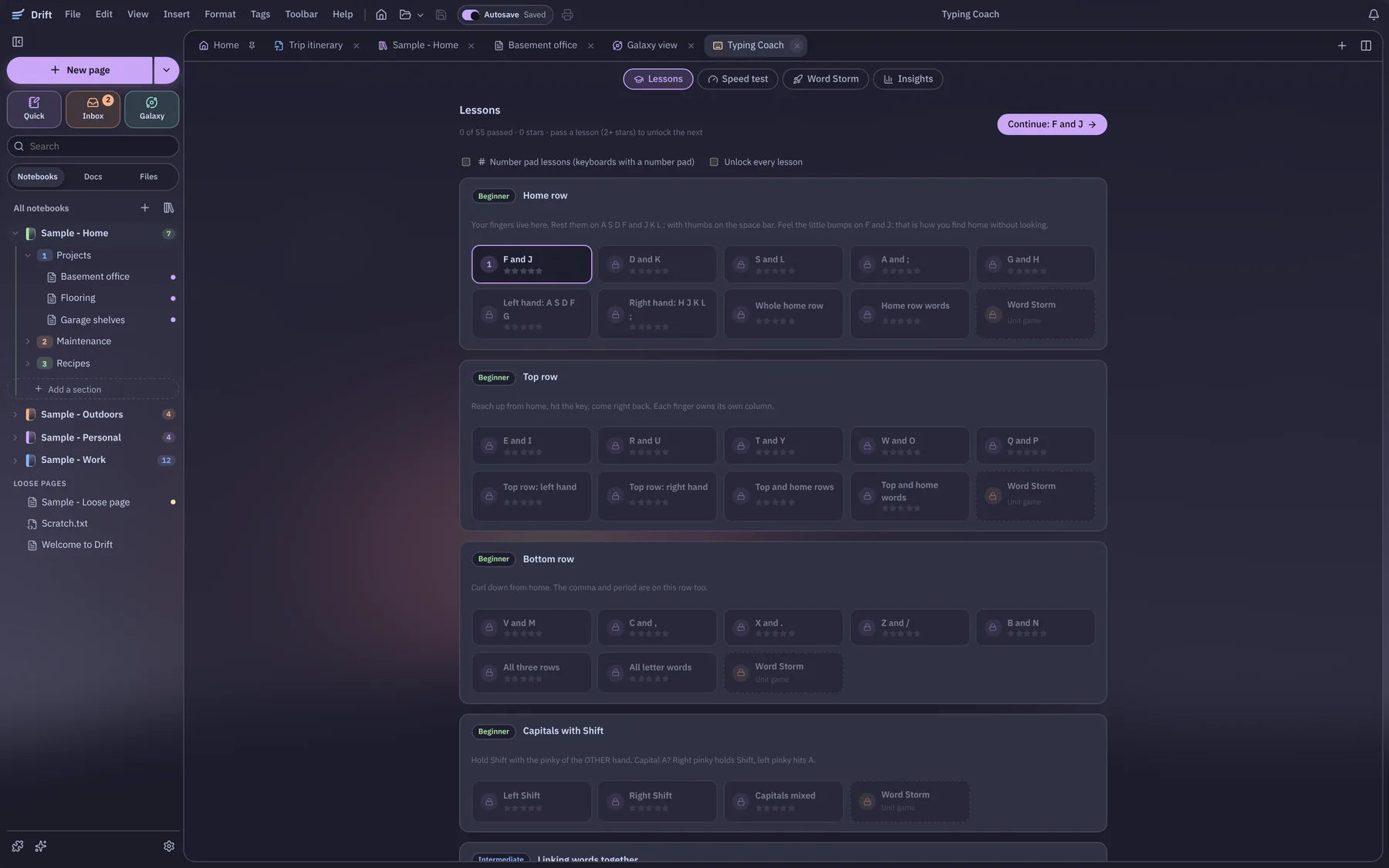
typing coach
Lessons from the home row up, a speed test with your best runs, and a typing game.
works with updraft
Dictate straight into a note, and link a meeting from Updraft into a page.
print and pdf
Print just the page on white paper, with your own margins and page numbers.
questions
The short answers.
Can I download Drift yet?
Not yet. Drift is in development, and the Windows download comes with the first public release.
Where does Drift keep my notes?
As plain .md, .txt and doc files in a folder you pick on your own computer. No account and no cloud are needed, and Obsidian, Notepad and Word can still open them.
Does Drift open Word files?
Yes. It opens a .docx without touching the original, and saves back to Word, PDF, HTML or plain text.
Does it do markdown and linked notes?
Yes. Markdown with a toolbar, / commands and a preview, and [[links]] between pages with a view of what links back.
Does Drift work with Updraft?
Yes. You can dictate straight into a note, and link a meeting from Updraft into a page.